
Just about everyone has heard of PayPal, many have an account for the purpose of buying and selling things on eBay and Amazon, others use this as another way of a payment method.
For the newbies out there, you might be shocked to know that it only takes a few minutes to create an account! Just 8 easy steps and you’ll be able to create your very own PayPal account.
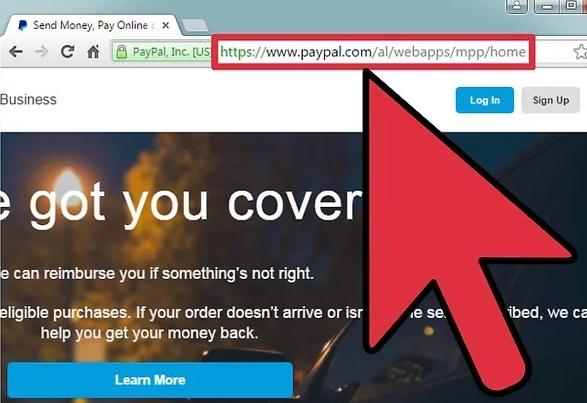
The 1st step is to sign up on the PayPal website or install an app. Both ways are technically the same, so choose the best way for you.
There are 2 basic accounts that you can choose from:
- Standard free business account – This account is free but would permit you to use the Paypal payment system on each and everything you checkout. This mostly resembles the old version of the PayPal premier.
- Pro Account – This account would give you full access and control over your payment system compared to the free version but it’ll cost you $30 per month.
The 2nd step is to create your email and personalized password. Make sure that the email you’ll use for this account is valid and the password input is a strong and reliable one as the account you’re about to create is connected to your financial information.
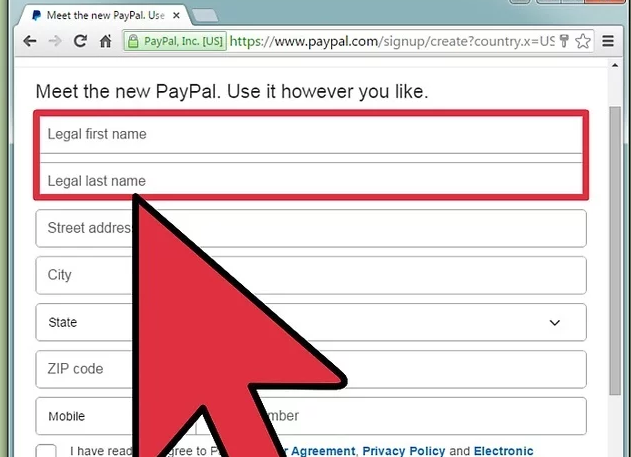
The 3rd step is to make sure that all information that you input are your legal name, real address and current mobile number. False information would make your account invalid and would only cause problems in the future.
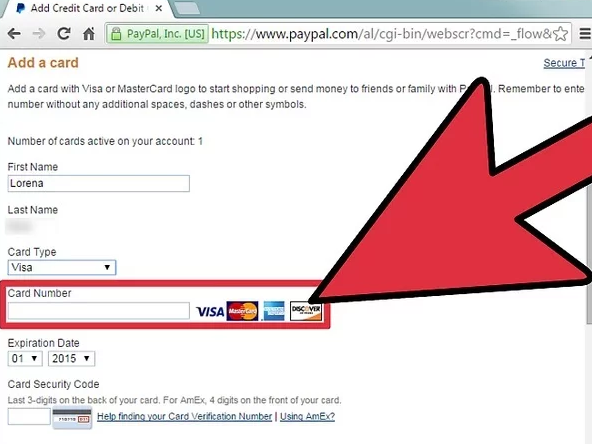
The 4th step is to add in your credit or debit number. You will have an option to add this now or later. A tip on this step is to add this right away as you fill up the form, this would save you time and effort. If you choose to add it later, it’ll ask you again when you try to use the account the first time.
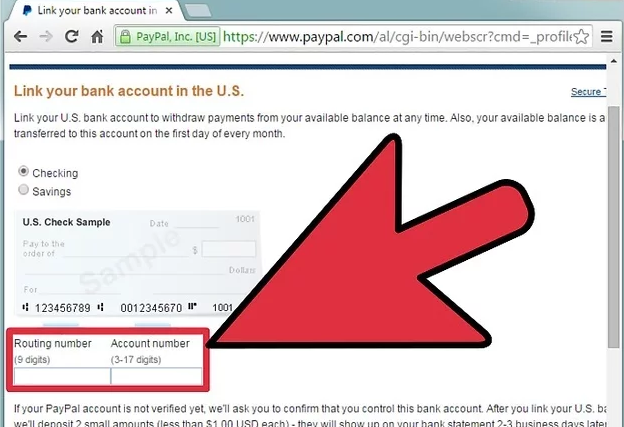
The 5th step is to enter your bank account information. This step is optional for those who would like to use PayPal on receiving money or to transfer it in their bank accounts instead.
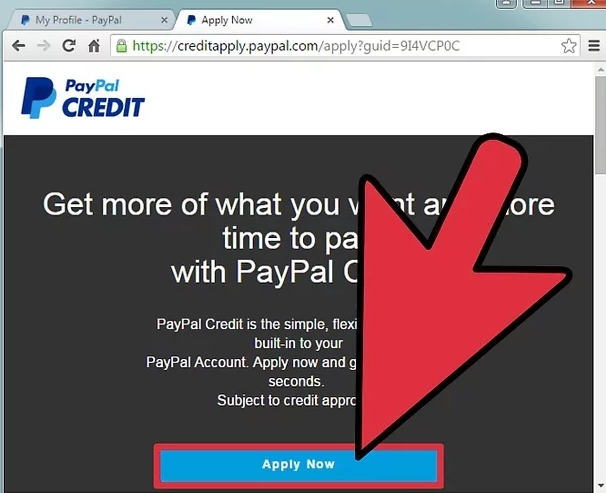
The 6th step is for you to decide if you would like to apply for a PayPal credit. If not, just click on the “No thanks” to proceed to the next step.
- PayPal Credit is an open end (revolving) credit card account that provides a reusable credit line built into your account with PayPal giving you the flexibility to pay for your purchases right away or pay over time.
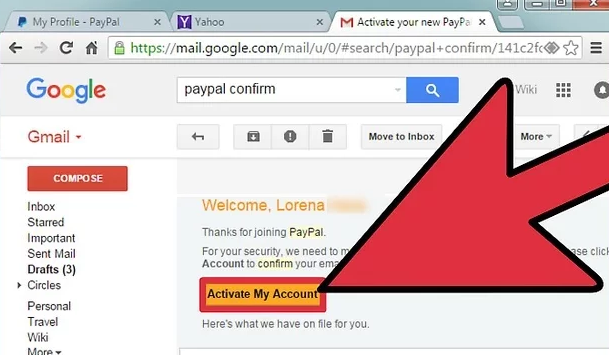
The 7th step is to verify your account by confirming from the email sent to you by PayPal.
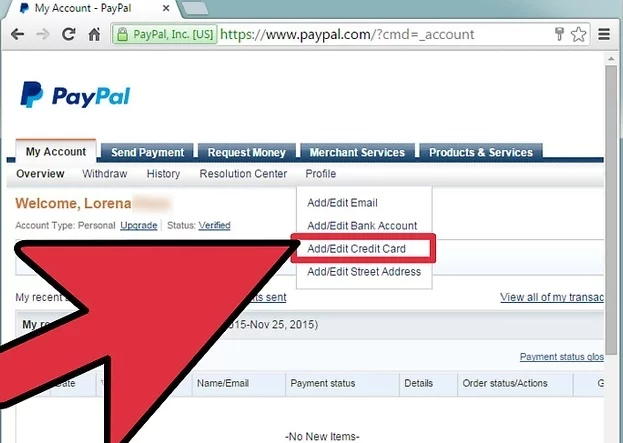
The 8th and the Last step is to link your credit/debit cards or bank accounts to your new account if you haven’t done so yet.
- Linking your bank account – If you plan on sending or transferring money from PayPal to your bank, this step is needed.
- If your bank is on the list, you can automatically link your bank account.
- If your bank isn’t on the list, then you need to list down your routing and account number. After that, you’ll need to wait for 24 – 48 hours for the confirmation.
- Linking your credit or debit account – If you plan on buying or selling things online, it is important for PayPal to have this information. Without it, you cannot checkout from the websites you choose to purchase from.
And there you have it! 8 easy steps for creating your very first PayPal account.
The sources and images above are from wiki-how and PayPal official websites.
 Welcome to EpicLife Blogs